
Dearborn County VINELink Coverage
Indiana's custody-notification backbone is Indiana SAVIN. VINELink serves as the public search front for the state and nation. State guidance calls SAVIN a free service spanning all counties. It sends round-the-clock notifications for placement, release, transfer, and status changes. The state SAVIN site currently opens on an account or login route. VINELink itself offers the general search path. One local gap matters here. The Dearborn County Sheriff's website posts no county-specific VINE badge. It shows no participation statement or promise of complete record coverage. Statewide infrastructure still makes the service worth trying. When custody status truly matters, check a match or non-match with the Sheriff. The Dearborn County Law Enforcement Center roster remains the direct official source for county custody.
Run a Dearborn VINELink Check
Gather enough detail to single out the right person first. Similar names can return several results, and a missing match can mean a new booking, a transfer, a spelling difference, a restricted record, or simple non-participation. Never force a match from a name alone.
- Open VINELink and choose Indiana as the state.
- Select Dearborn County or the participating agency if the current interface offers that choice.
- Enter the person’s name or the identifying number requested by the search screen.
- Compare the identity, custody location, status, and identifier on each plausible result.
- Open the correct record and use the notification option only after checking that the record belongs to the intended person.
For a picture of county booking paths, see the Dearborn County recent-arrests hub. VINELink should not replace the Sheriff roster when the question is whether a fresh arrest produced a Dearborn jail booking. The official VINELink page shows the public search and notification screens a visitor will encounter.
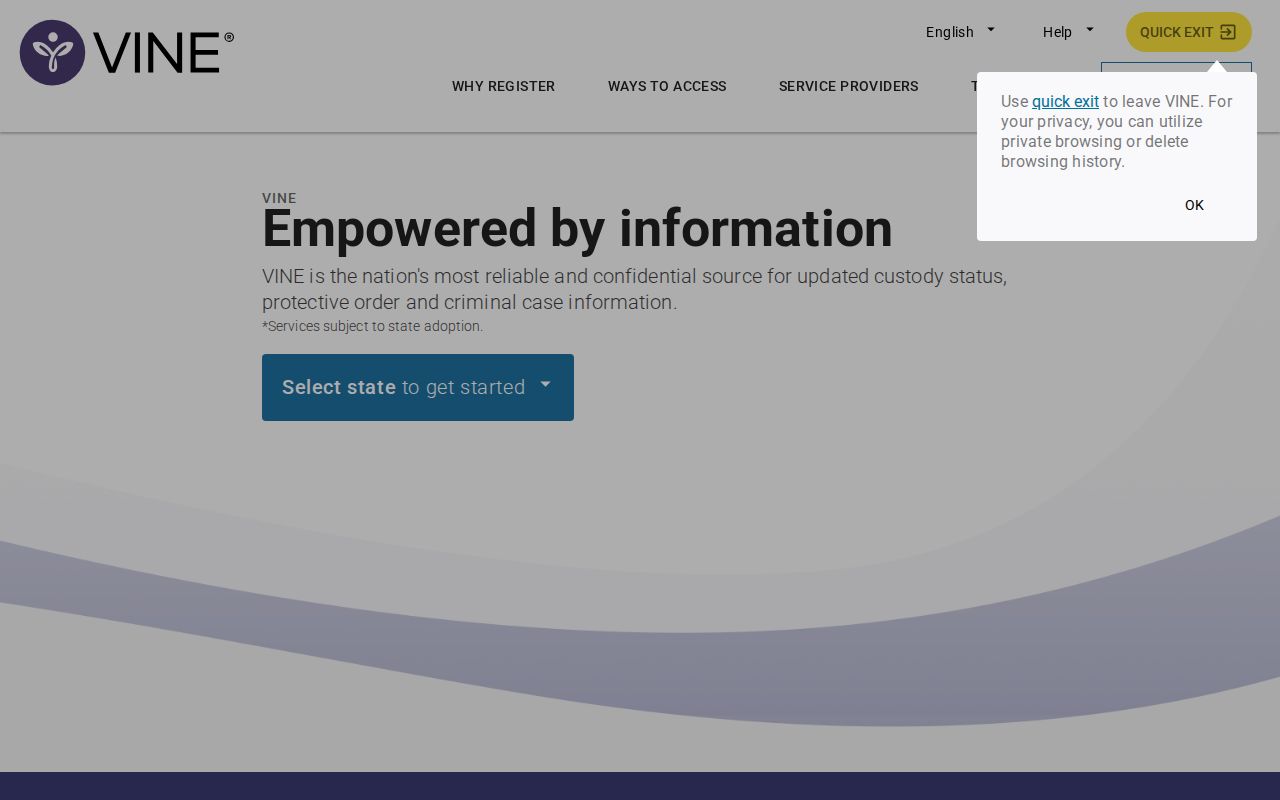
The page displays the service itself without exposing anyone's private alert details or collecting booking photographs.
Dearborn VINELink Result Fields
VINELink is built around custody and notification, not a full booking file. Exact labels vary by agency and interface. A result may hold enough data to locate a person and subscribe to supported events, yet it can still omit charge detail or any booking image.
| Result item | What it can answer |
|---|---|
| Name or identifier | Helps distinguish the selected custody record. |
| Custody status | Shows the status currently reported to VINE. |
| Facility or agency | Identifies the reporting custody location when supplied. |
| Status event | May reflect placement, release, transfer, escape, death, or another supported change. |
| Notification option | Shows whether registration is offered for that record. |
| Contact and PIN controls | Support alert delivery and confirmation without becoming public record fields. |
Indiana MyCase is the public court route for what happens after an arrest: filings, amended charges, dismissal, plea, acquittal, sentence, or other disposition. For charge lines, the Sheriff's record is the county source.
Register for Indiana Custody Alerts
Registration starts from a matched result. Contact choices can change, so follow the labels VINELink or Indiana SAVIN displays. Indiana materials describe phone and email destinations plus a four-digit PIN chosen by the user for phone alerts.
- Choose the notification or registration control on the verified custody record.
- Select an available phone, email, or other delivery method and enter the contact information carefully.
- Create and securely record the required four-digit PIN when prompted.
- Review which events the subscription covers, such as release or transfer, and complete any confirmation step.
- When an alert arrives, verify current status with the official custodial agency before taking action.
Some phone alerts may repeat until the PIN is entered, depending on the event and current system rules. Multiple phones and emails are often allowed. Keep the contact method and PIN private. State materials list the Indiana SAVIN call center at 1-866-891-0330, though the website may carry a newer support route.
Dearborn SAVIN Login Uncertainty
The Indiana SAVIN site opens on an account or login route rather than a public Dearborn County search page. That interface quirk does not mean custody notifications stopped. It does mean a no-login county search through the state page is not guaranteed. The Indiana SAVIN site shows the service's current entry route.
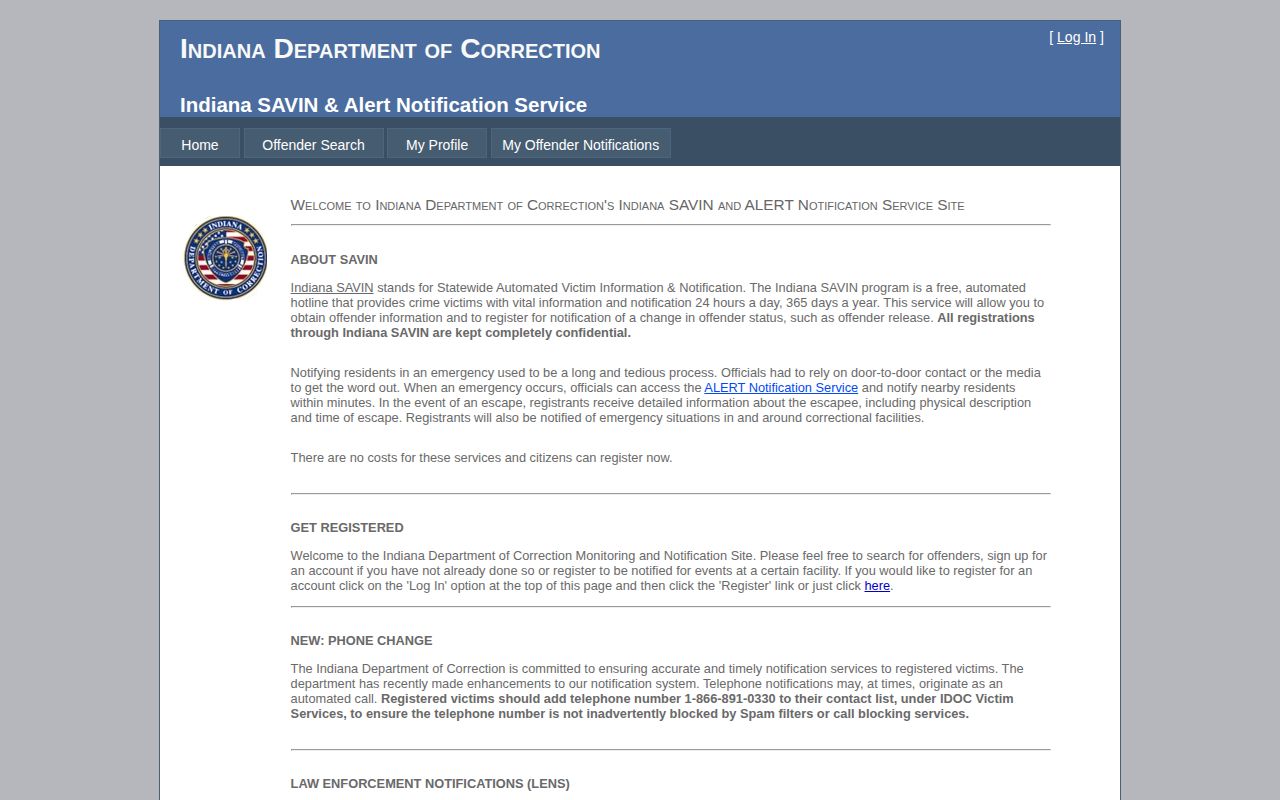
That login wall explains why VINELink stays useful. Direct Sheriff confirmation matters too when the state route shifts. Try VINELink first if SAVIN demands an account. Then call the Dearborn County Sheriff at (812) 537-8700 when a status must be confirmed. Dispatch can be reached at (812) 537-3431 or toll-free at (800) 543-1149. Automated notification helps, but it is no emergency service.
Fresh Dearborn Arrests May Lag
A new booking may not appear at once. Jail intake can involve identification, medical screening, data entry, and publication work. Dearborn County posts no maximum roster or VINE delay. The 24 Hour Arrests page explains the closest official same-day check. That check is the Sheriff's current-custody roster rather than a dedicated daily feed. A quick release can leave someone absent by the time the roster is viewed. A transfer may move the person to another system. Sealed and juvenile records stay out of public view. Guessing from a VINELink non-result solves nothing.
Note: Confirm urgent release or transfer details with the agency holding the person, even when an alert or online result looks current.
VINELink Does Not Cover All Custody
Indiana SAVIN and VINELink are not universal federal locators. The Federal Bureau of Prisons runs its own inmate locator for federal prison custody. Routine U.S. Marshals Service movement is not a county booking feed. Immigration detention has separate federal tools, including DHS-VINE and the ICE Online Detainee Locator.
| System | Proper use | Key limit |
|---|---|---|
| Dearborn Sheriff roster | Current Dearborn jail custody and observed photo cards | Not every arrest or permanent archive |
| Indiana SAVIN/VINELink | Participating custody status and alerts | Dearborn record coverage is not locally guaranteed |
| IDOC locator | Indiana state-prison custody | Not a fresh county booking source |
| BOP locator | Federal prison custody | Not county or state jail custody |
| DHS-VINE or ICE locator | Immigration custody context | Not an ordinary county arrest record |
Movement between systems can leave a gap in one locator. Use the system tied to the current custody type, and contact the responsible agency when records conflict.
Alerts Support, Not Replace, Safety Plans
A custody alert is a tool, not a plan. Indiana's own guidance makes that plain. Alerts can arrive late or fail to arrive at all, phone numbers go stale, and jail records do not always keep pace with what has actually happened at the facility. So keep protective orders, court contacts, and advocate numbers current. The VINELink service can tell you when a Dearborn County arrest changes someone's custody status. It cannot tell a court what to do. The Sheriff's app carries a similar warning. It is not for emergencies. Call 911 when danger is immediate.
Public Record Search
Sponsored Results